Free demo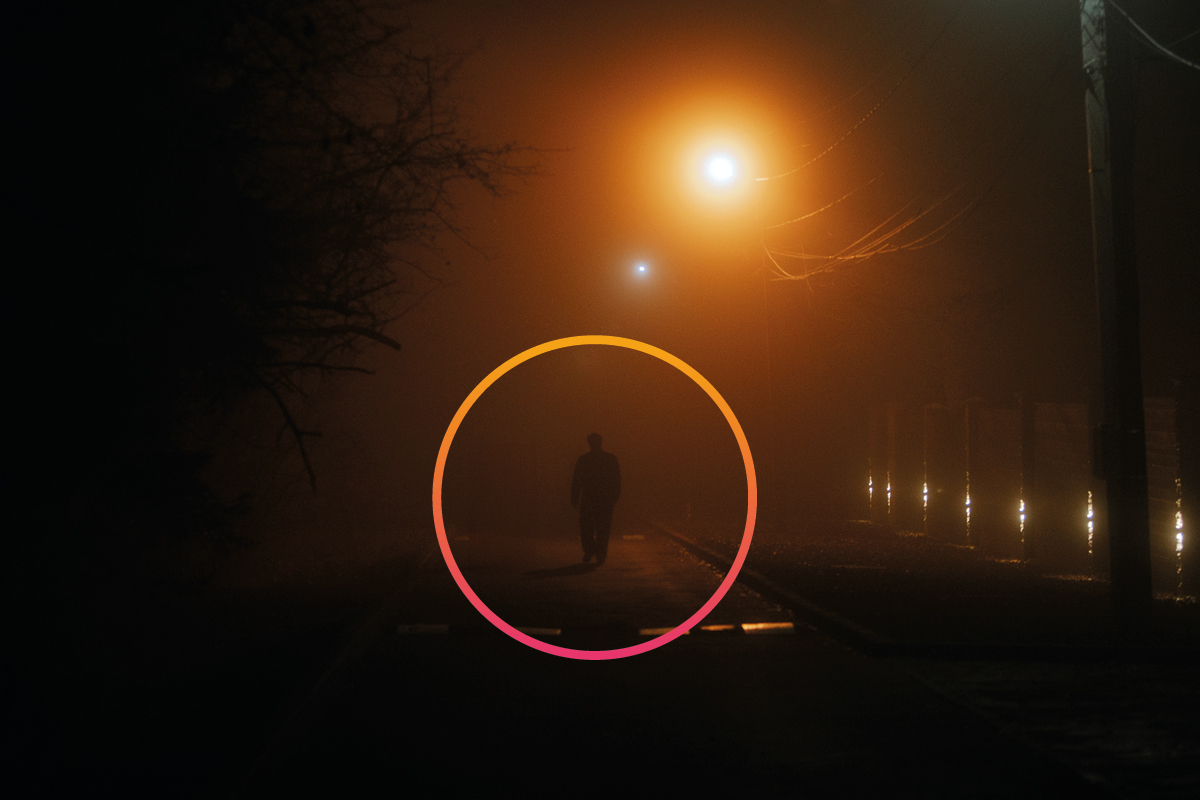
A logistics warehouse doesn’t face the same risks at 3pm as it does at 3am. A fleet parking lot doesn’t need the same rule for the loading zone as for the visitor entrance. And an industrial plant with a night guard shouldn’t trigger the same alarm when the guard is at their post as when they’re not.
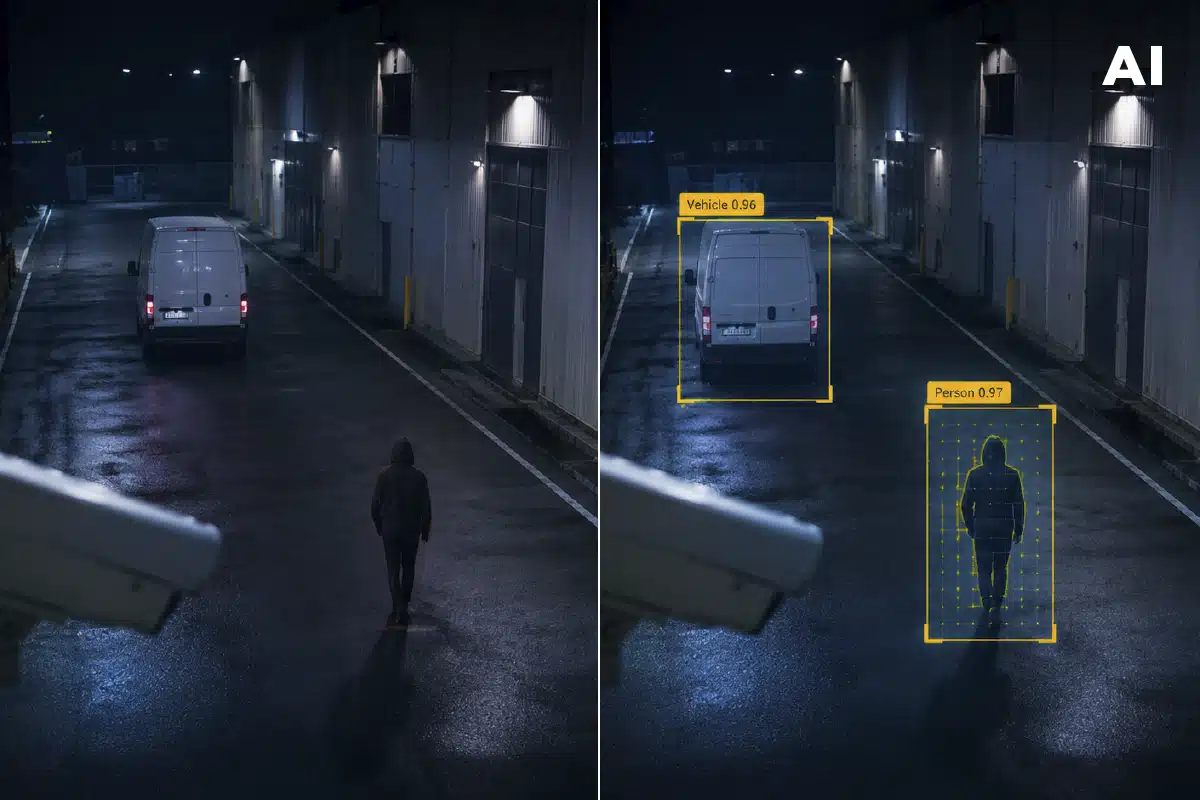
The problem is that most video analytics systems only let you configure one simple rule per camera: detect motion, raise an alert. Full stop. When a site has multiple zones, multiple schedules, and multiple risk levels, that rigidity forces a choice between two bad options: sensitivity so high it fires false alarms all day, or so low it leaves real gaps uncovered.
The problem with large sites: one rule doesn’t fit everything
The bigger and more complex a site, the more context varies from one camera to the next. A single perimeter can have:
- Zones where people showing up is normal during working hours but suspicious at 3am.
- Zones where a stopped vehicle is routine (a loading dock) and zones where it should never happen (an evacuation route).
- Zones where the absence of staff is the alarm signal, not their presence.
- Cameras that should only escalate an event when two or three conditions occur together, not just one.
When the system doesn’t support that granularity, the installer has to choose between over-alerting (alarm fatigue for the operator) or under-alerting (poorly covered zones). Neither is a real solution, they’re both workarounds.
What “no rule limit” actually means
In DFUSION /3 this is solved with what’s called Super Rules: the ability to customize each camera independently and combine every condition that specific zone needs, with no limit on how many rules there are or how they combine.
Three real examples of what this looks like on-site:
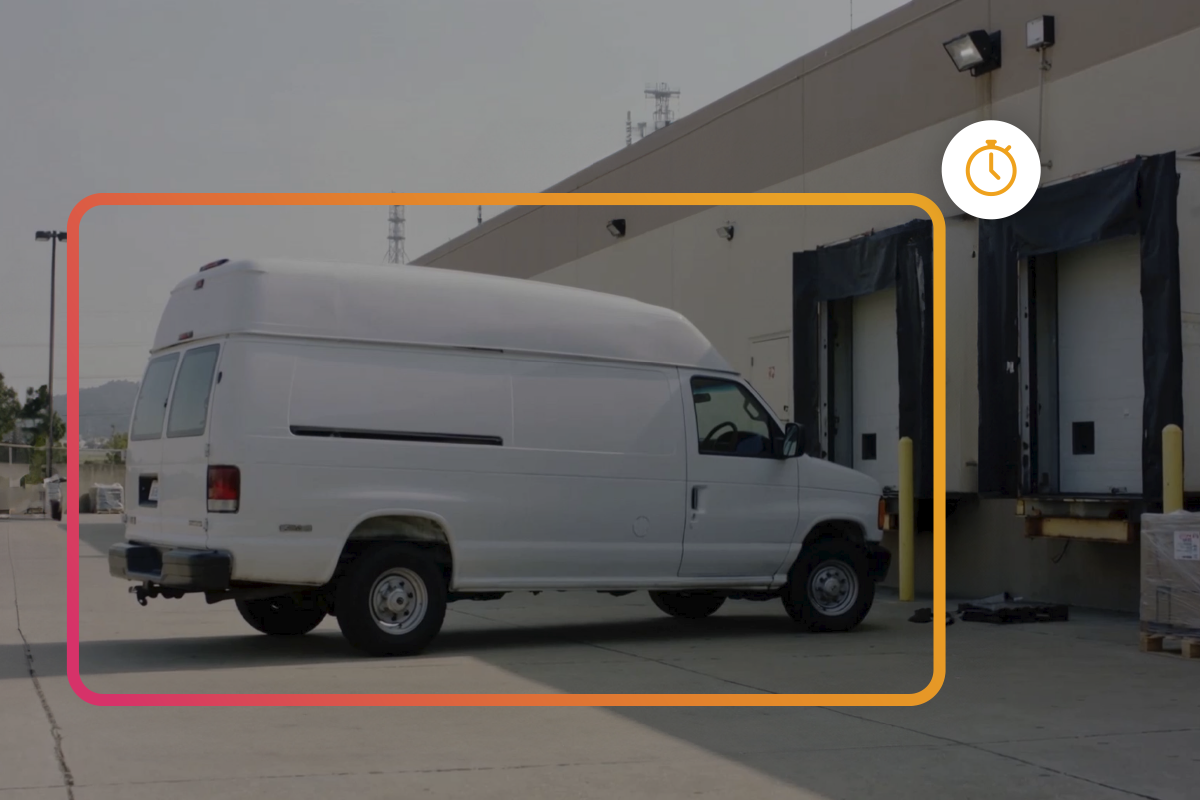
- Camera 1, industrial loading zone. Only alerts if both happen at once: a vehicle stopped for more than 5 minutes plus no staff present in the zone. A truck stopped for 3 minutes during a loading maneuver triggers nothing; one stopped for 6 minutes with nobody around does.
- Camera 2, outdoor perimeter. Alerts if a person stands still for more than 3 minutes plus no vehicle present. A delivery driver waiting by their van triggers nothing; someone motionless with no vehicle nearby does.
- Camera 3, security post. Alerts if the guard isn’t at their post plus a group of more than 3 people is detected. Here the rule isn’t looking for an intruder: it’s looking for the exact combination that matters at that specific point, lack of oversight plus unusual concentration of people.
None of these three rules would work on either of the other two cameras. That’s the point: the logic gets designed by zone and by real risk, not by a generic template applied to the whole perimeter.
Why this reduces false alarms instead of increasing them
It’s intuitive to think more rules mean more complexity and more alarms. It’s the opposite. Each combined rule acts as an extra filter: instead of any movement triggering an alert, only the specific combination that actually matters in that zone does. This connects directly to why false alarms happen in the first place: the most common cause isn’t a lack of technology, but rules poorly calibrated to how each space is actually used.
On top of that, complex scenarios can be adjusted by time slot and threat level, activating predefined profiles depending on the risk at that moment (night shift, weekend, ongoing construction) without having to reconfigure camera by camera every time.
What you need to design these scenarios
Designing combined rules isn’t a trial-and-error exercise on-site. The starting point is always the same:
- Audit each zone separately: what’s normal there, what isn’t, and at what time that definition changes.
- Define which combination of conditions matters for each camera. Not “what’s moving,” but “what combination of things moving (or not moving) is the real signal.”
- Test the scenario before signing off on it. A scenario that looks right on paper can generate noise in practice.
- Leave room to adjust. Real site usage changes over time, shifts, seasons, construction, and rules should be reviewable without rebuilding the whole configuration.
What the monitoring center gains from well-designed scenarios
For a monitoring center, every poorly designed scenario means signals arriving without enough context to decide quickly. With combined rules, the event that reaches the monitoring center already comes qualified: it’s not “there was movement on camera 3,” it’s “the exact combination defined as a real risk on camera 3 was detected.” That speeds up alarm verification and reduces operational load without sacrificing coverage.
FAQ
What are DFUSION /3’s Super Rules?
The ability to customize each camera independently, combining every condition that specific zone needs (for example, a stopped vehicle plus no staff present), with no limit on the number of rules or how they combine.
Do combined rules generate more or fewer false alarms?
Fewer. Each combined rule acts as an extra filter: instead of any movement triggering an alert, only the specific combination that matters in that zone does.
Can I apply different rules depending on the time of day?
Yes. Scenarios can be adjusted by time slot and threat level, activating predefined profiles (night shift, weekend, ongoing construction) without reconfiguring camera by camera.
What steps should I follow to design a combined detection scenario?
Audit each zone separately, define which combination of conditions matters for each camera, test the scenario before approving it, and leave room to adjust it as real site usage changes.
What does a monitoring center gain from well-designed scenarios?
It receives the event already qualified: not “there was movement on camera 3,” but “the exact combination defined as a real risk on camera 3 was detected,” which speeds up verification and reduces operational load.
If you manage a site with several zones, multiple cameras, and different needs in each, the question isn’t whether you need combined rules, but how many and how they relate to each other. Book a free demo and a DAVANTIS engineer will help you design the specific scenarios each camera in your installation needs.